
For DaVinci Resolve Studio
Fast captions. Full creative control.
Create fully stylized, layouts, and animated captions in a fraction of the time — without giving up control over a single word. Build the look once, then generate the new stylized captions, right inside DaVinci Resolve Studio.
7-day free trial · cancel anytime
The trade-off, solved
Fast, or in control? You shouldn't have to pick.
By hand
Slow
Full control over every word — and hours gone building and styling a Text+ title for every line, every project.
AI caption tools
Out of your hands
Fast, but generic. You end up fighting the output to reach the look you wanted, and often just settle for what it gives you.
Captions Master
Fast + in control
The speed you'd get from handing it to AI, with the control of doing it yourself. Your styles, layouts and animations, generated onto the clip in one click.
How it works
From captions to finished look all in one window.
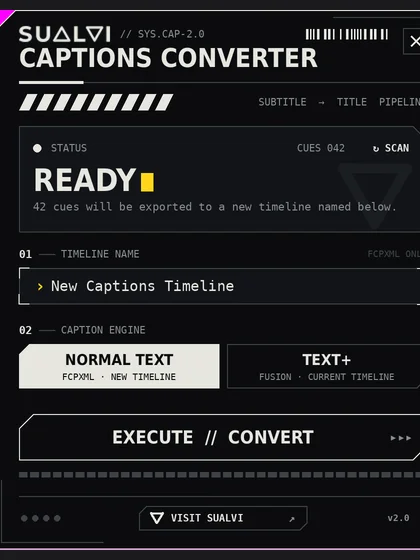
First, generate your captions with DaVinci Resolve Studio's built-in subtitle feature (Create Subtitles from Audio). Captions Master reads those captions in — you never retype a word.
Start from your captions
Resolve generates the subtitle track; Captions Master loads every line, ready to style. No transcribing, no copy-paste.
Stylize & animate
Set fonts, colors, emphasis and position. Drop words onto their own layers, pick a layout preset, add an animation. Save the look to reuse on every project.
Generate in one click
Hit Generate and the whole clip's captions become fully styled, animated Text+ clips on your timeline, ready to play.
What you get
One tool for the whole caption.
One interface
Style, layout, animation and output all live in one place — no bouncing between tools or timelines.
No retyping needed
Works straight from the captions already on your timeline. Your words stay exactly as they are.
Style & save
Fonts, colors, emphasis, alignment and position per word or line — then save your styles to reuse.
Layout presets
Dozens of built-in layouts and font pairs per line count, and you can save, import and export your own.
Animations
Built-in animation presets, or create, save, import and export your own to use across projects.
Custom macros
Import your own Fusion macros into Captions Master and apply them to your captions with 1 click.
Customization
Animate and build layouts faster than ever.
Motion that fits the edit
Apply built-in animations like Slide, Pop, Blur and Zoom per word — in and out. Build your own, group them into packs, and import or export them between projects.
Layouts & font pairs, saved
Pick from dozens of layout presets, tuned to how many words are on screen. Save your favourites and carry them between edits. More coming soon!
FAQ
Good to know.
Do I need to transcribe my video?+
What do I need to run it?+
How do I install it?+
It won't open after I activate it.+
How many computers can I use it on?+
Can I switch from the trial to lifetime later?+
What's your refund policy?+
Is my footage uploaded anywhere?+
Pricing
Pick your plan.
- Full Captions Master, all features
- Runs on 2 devices
- Every update while subscribed
- Cancel anytime
- Everything in Monthly
- 3 months free vs paying monthly
- Runs on 2 devices
- Every update while subscribed
- Pay once, yours forever
- All future updates included
- Runs on 2 devices
- 14-day refund
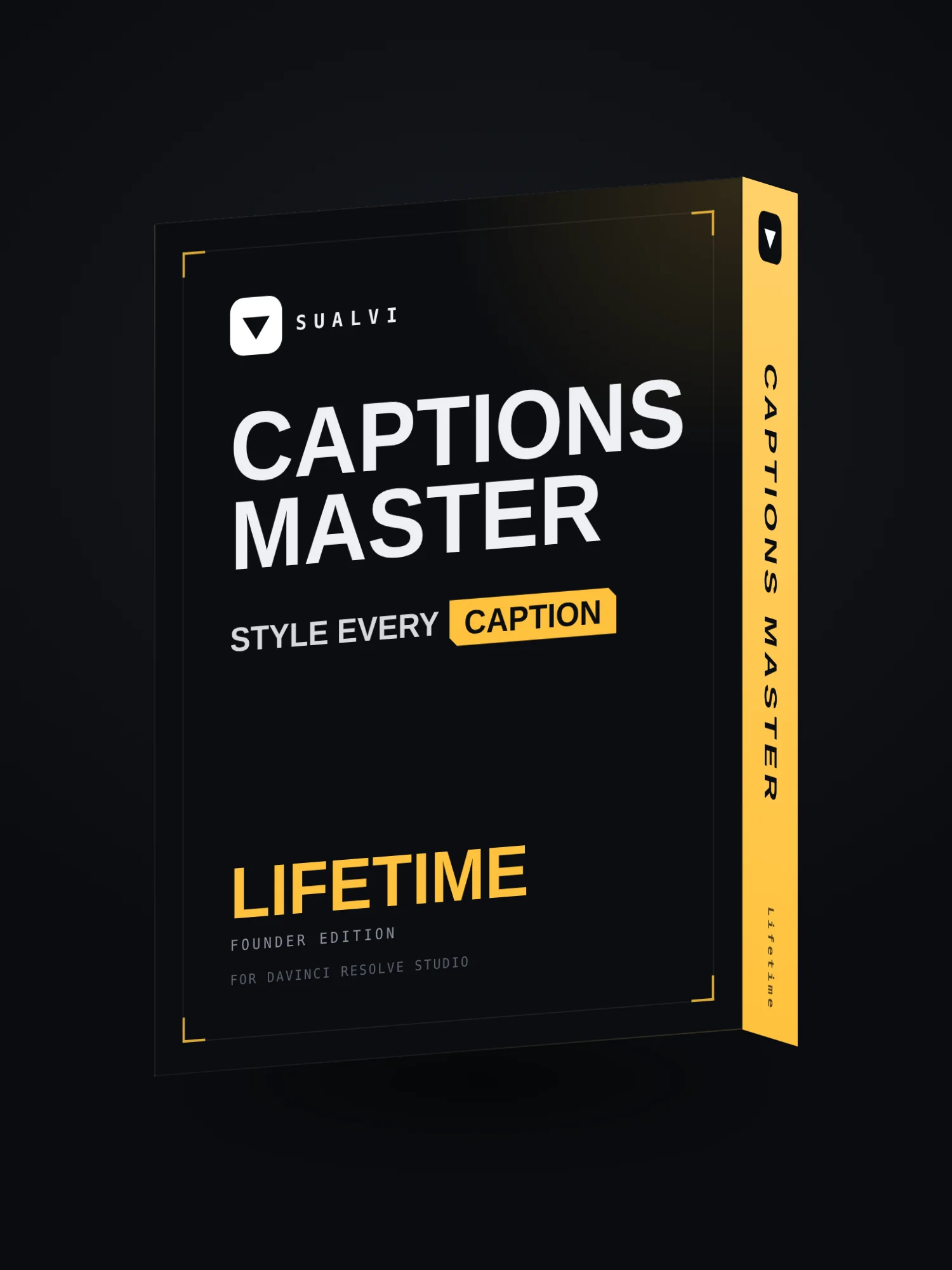
Captions Master Lifetime
Roadmap
Where Captions Master is headed.
In your hands
- One unified panel — style, layout, animate & generate
- Stacks, layers & per-word styling and emphasis
- Layout presets, font pairs & saved styles
- Built-in animations + import your own Fusion macros
- One-click generate to Text+ on your timeline
- macOS version beta
- Windows version is a bit more stable
On the way
- Auto Mode — automatic phrasing & styling for an instant starting point, processed on your own machine
- Style Concepts — save a whole look and reuse it on your next video
Ideas in the lab
- Audio-driven emphasis & animation timing
- More animation & layout packs
- Whatever you tell us you need most
Planned, not promised — the roadmap sets direction, not deadlines. Every update is included, on both subscription and lifetime. Wanna share your thoughts and ideas? Email me here →